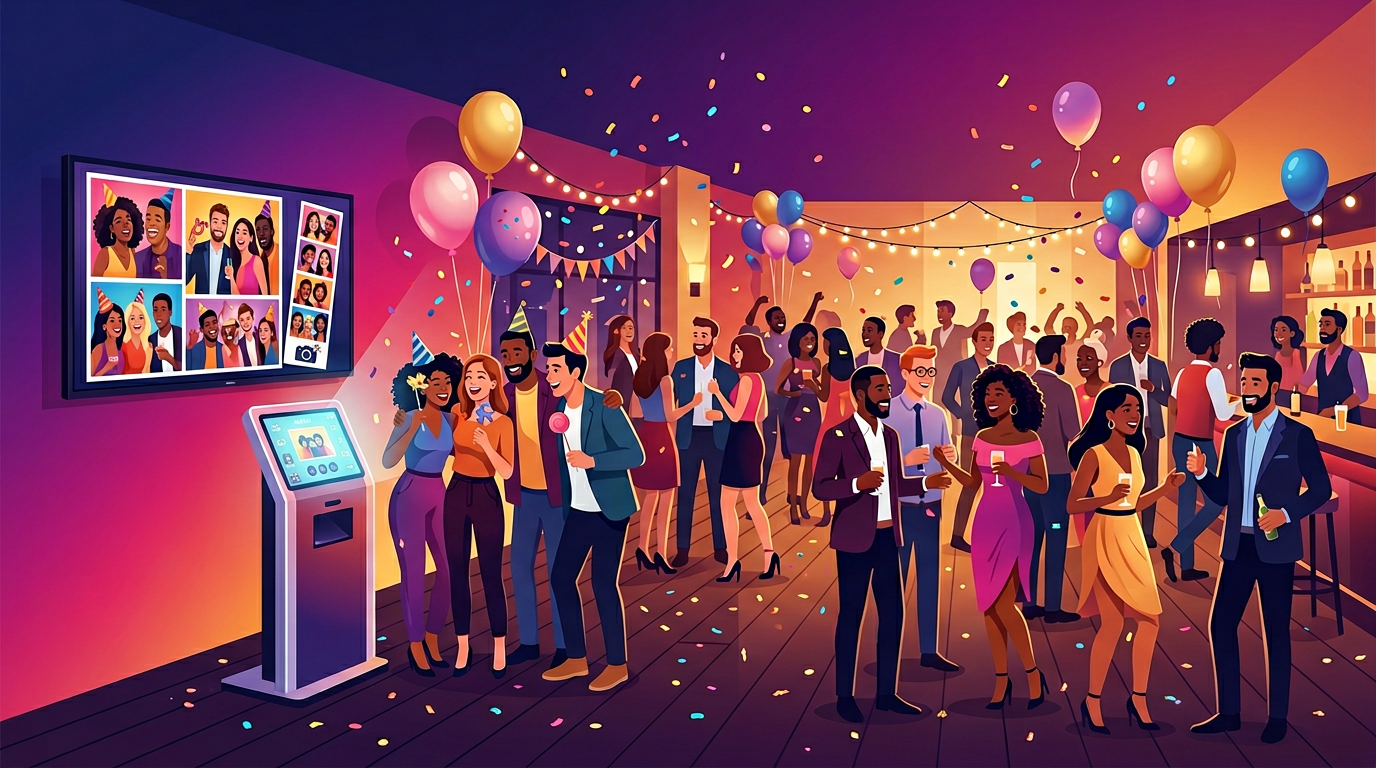
A photo booth you already own.
TMT Make-Your-Own PhotoBooth is for anyone who wants guests to have fun, share the night, and see your name on the photos—without renting a giant booth.
$19.95 / month
Online signup is coming soon. Try the live demo in your browser, or reach us through Support if you’d like to hear when venue accounts open.
When your account is ready, you get private links for the guest tablet and the TV slideshow—nothing guessable is posted on this public site. No gear to haul through the door—just the screen and tablet you’d use anyway.
What you need
For guests to take pictures: an iPad-style or Android tablet that can open a normal website, go full screen, and use the camera—same as when you video call or scan a QR code.
For the room to see the fun: a TV that can open a full-screen browser (many smart TVs can), or a laptop plugged into your TV with the slideshow address open so photos show up big.
If you want posts to go to social media: we can work toward sending new snaps to Facebook, Instagram, or X (Twitter) for you—but that part needs a one-time connection with each platform (the way other business apps do). Ask through Support what’s available for your venue; it isn’t required to run the booth.

Why guests love it
People like having something fun to do together. When your logo and hashtags are on the picture, they’re more likely to tag you. When photos show on the TV, the whole room notices—and more folks want a turn.
Branded photos give guests a natural reason to mention you online.
A live slideshow on the wall makes the night feel like an event.
Optional passwords, staff lock, captions, stickers—your look, your rules.
What you get
Photos guests can take, your branding on top, text and fun add-ons if you want them, and a slideshow address for the TV—plus a private settings area for you.
Examples of the experience
Illustration only—your real booth and TV use the private links we send when your account is ready.
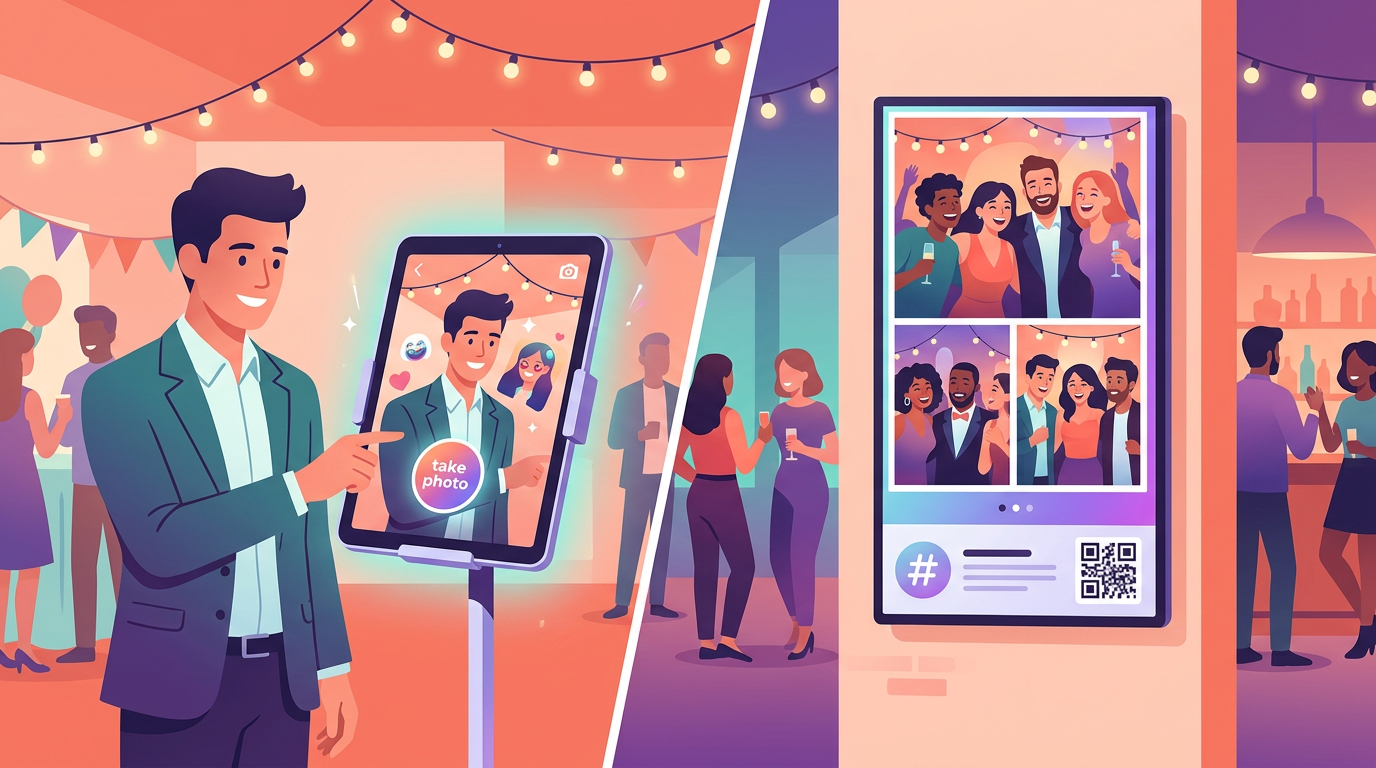
- Guest tablet — big tap-to-capture flow, your logo and colors, optional emoji and captions.
- Room screen — live slideshow with transitions, hashtags, and optional QR links to your socials.
- Try it now — open the interactive demo (browser-only sample; nothing is uploaded).
Who it’s for
Bars, restaurants, salons, hotels, fundraisers—anywhere you want people to light up and remember you.
Getting started
- Open the live demo in a modern browser (sample experience only; nothing is uploaded).
- Visit Sign up for what we publish today; full self-serve checkout is not open yet—use Support for timing or venue questions.
- When signup opens, you’ll confirm by email and receive private guest, slideshow, and admin links—bookmark them; we don’t list venue URLs on this site.
- Open the guest link on the tablet and the slideshow on the TV, then use settings to tune your look once your account is active.
- Optional social posting: ask Support what’s available when you’re ready.